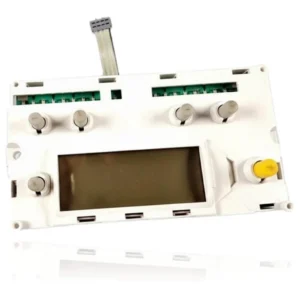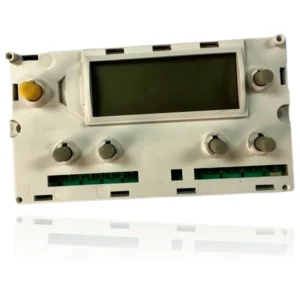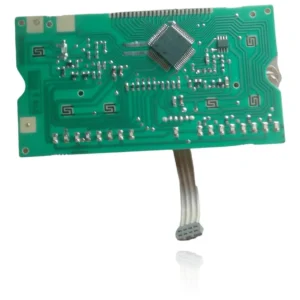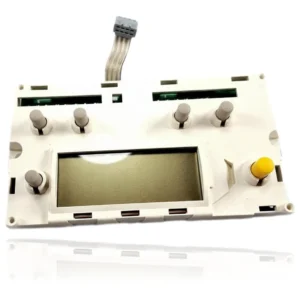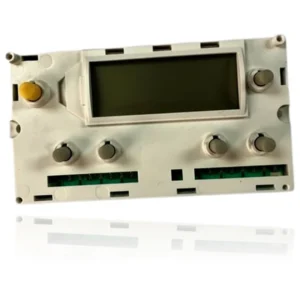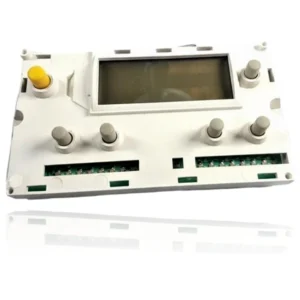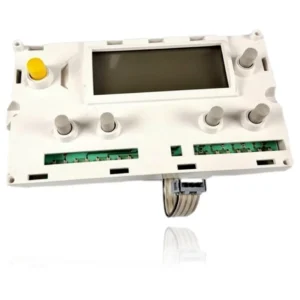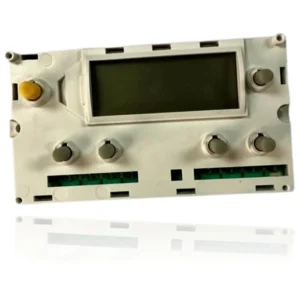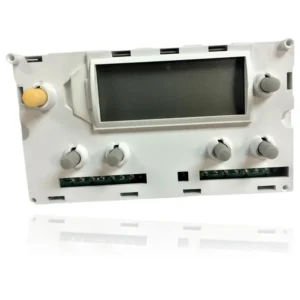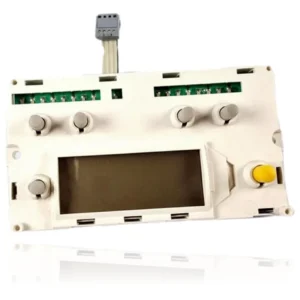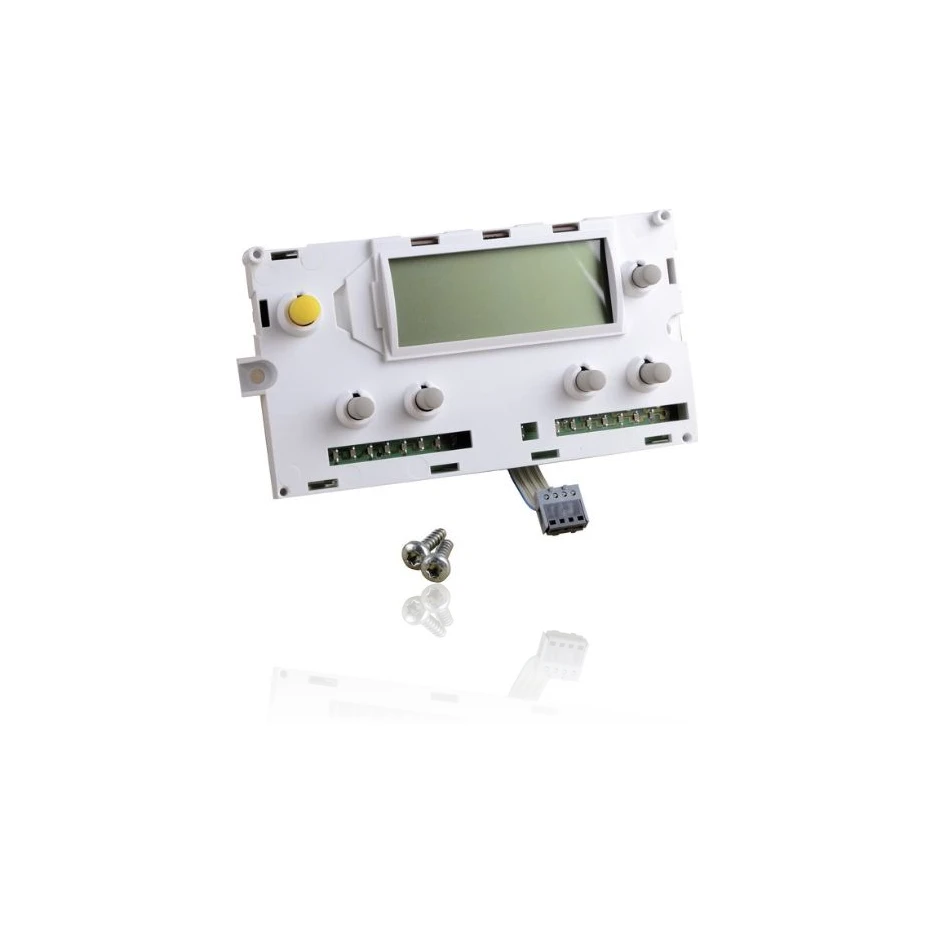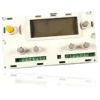


Display and Keyboard Module Saunier Duval Isofast C 28E - Ref. 05721000
When you open the hot water tap or turn on the heating, the Saunier Duval Isofast C 28E display and control module is responsible for managing the ignition, burner modulation, pump, and safety features of the boiler. If this module fails, you may notice that the boiler does not start, locks out, or behaves erratically, displaying fault codes such as F12, F18, or F13. This component is compatible with several models in the Isofast range, such as the C 28 E and C 35 E, among others. A technician must confirm through diagnosis whether it needs to be replaced when it shows faults in its operation.
- Type of part
- PCBs (control boards)
- Status
- Refurbished
- Catalogue reference
- 05721000
- Warranty
- 1 year
Saunier Duval boilers compatible with reference 05721000
PCB with reference 05721000. 14 verified compatibilities: C 28 E and C 28 E1.
Proven compatibility
| Boiler model | Family | Verification |
|---|---|---|
| Saunier Duval C 28 E | Isofast | Contrasted |
| Saunier Duval C 28 E1 | Isofast | Contrasted |
| Saunier Duval C 28 E NOx | Isofast | Contrasted |
| Saunier Duval C 28 E1 NOx | Isofast | Contrasted |
| Saunier Duval C 35 E | Isofast | Contrasted |
| Saunier Duval C 35 E1 | Isofast | Contrasted |
| Saunier Duval F 28 E | Isofast | Contrasted |
| Saunier Duval F 28 E1 | Isofast | Contrasted |
| Saunier Duval F 35 E | Isofast | Contrasted |
| Saunier Duval F 35 E1 | Isofast | Contrasted |
| Saunier Duval C 28 E | Isomax | Contrasted |
| Saunier Duval C 28 E2 | Isomax | Contrasted |
| Saunier Duval F 28 E | Isomax | Contrasted |
| Saunier Duval F 28 E2 | Isomax | Contrasted |
Can't see your model or have questions? The printed reference takes precedence. How to check it · Send us a photo via WhatsApp.
How to check if ref. 05721000 is the part for your boiler
The part reference, model, and equipment revision must be verified against the manufacturer's documentation.
- Find the reference printed on the installed part and check whether it matches the catalogue reference 05721000. If it is not visible, do not identify the part from its shape alone.
- Check the full boiler model on its data plate and look for it in the model associations on this page.
- Compare the connections and physical body with the original part before installation.
- If anything is unclear, send us a photo of the marking via WhatsApp before placing your order.
Symptoms that require diagnosis on the PCB 05721000
The PCB controls the ignition, modulation, and safety features of the boiler. These are the typical symptoms and what to do:
Common symptoms and faults
- 01
The boiler display is completely off, not even the backlight is visible.
Cause: If the display module loses power or communication with the main PCB, the LCD shows nothing.
Check that the boiler is powered and that the fuse on the main PCB is not blown.
- 02
The buttons on the panel do not respond when pressed, although the boiler seems to continue heating in the background.
Cause: The membrane keyboard under the buttons wears out with use and stops transmitting the press to the PCB.
Clean the outline of the buttons and try pressing more firmly before discarding the entire module.
- 03
It is not possible to access the programming menu or see the fault code that the boiler is displaying.
Cause: Without the operational display module, there is no way to read what the main PCB is reporting.
If possible, consult with a technician or diagnostic team to determine if the actual fault is in the PCB and not in the display module.
- 04
The display lights up for a moment when powered on and then turns off by itself.
Cause: An intermittent connection fault between the module and the PCB causes the screen to reset or turn off.
Check that the flat connector or the cable connecting the module to the PCB is properly seated and has no bent pins.
- 05
Some buttons respond and others don't, so you can only use part of the menu.
Cause: The membrane keyboard can wear unevenly, failing only in the most used areas.
Note which specific buttons are not responding; if they are always the same ones, it points more towards the keypad than the PCB.
Fault codes Saunier Duval that require diagnosis
| Code | Fault | Technical checks |
|---|---|---|
| F12 | No signal from the user interface | Yes — it points to this display/interface module or its connection cable with the main PCB. |
| F18 | User interface fault | Yes — it corresponds to this display/control board module. |
| F13 | Main PCB fault | No — that code is for the MAIN PCB (a different part), not for this display. |
These symptoms can have more than one cause. If your boiler displays a fault code, send it to us via WhatsApp along with a photo of the labeling, and we'll tell you if this is the part.
Data sheet for the Saunier Duval 05721000 PCB.
- Catalogue reference
- 05721000
- Uniclima internal SKU
- TDIC28E1
- Brand
- Saunier Duval
- Type of part
- PCBs (control boards)
- Units in stock
- 4 units
- Status
- Refurbished
- Warranty
- 1 year
- Shipping
- Delivery time shown at checkout
- Return
- 14 days
Manuals and technical documentation
Official documentation of the boiler, useful for locating the part and cross-referencing the fault codes.
- Saunier Duval F 28 E Manual (PDF) Document © Saunier Duval, provided as a technical reference.
Frequently asked questions about the PCB 05721000
Is this display and keyboard module compatible with the Saunier Duval Isofast F 35 E1?
Is this module suitable for both the Saunier Duval Isofast and the Isomax?
Spare parts related to Saunier Duval Isofast