







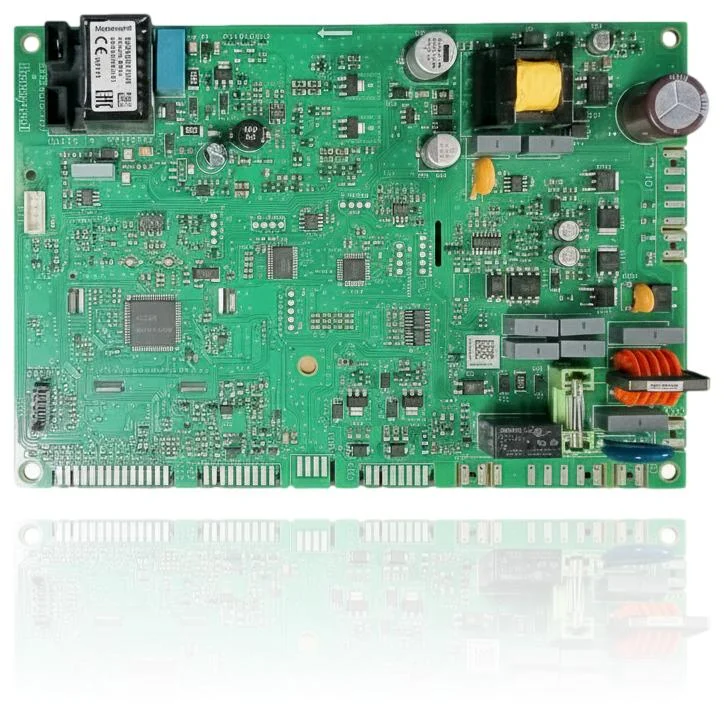
Ferroli BlueHelix Tech RRT PCB Ref. 3980H733
95 €VAT includedIn stock · 2 units
PCB (control board): refurbished spare part that controls the ignition, modulation, and safety features of the boiler. Useful if the boiler does not ignite, locks, or the display does not respond. Compatible with BLUEHELIX TECH RRT 24 C, BLUEHELIX PRO RRT 24 C, BLUEHELIX TOP RRT 24 C (ref. 3980H733). Includes a one-year warranty and delivery within 2–4 working days in the EU.
1
Not sure if it's your part? Send us a photo of the screen printing via WhatsApp and we'll confirm compatibility before you purchase.
Delivery in 2–4 working days
1-year warranty
14-day return
Technical support