


Short answer
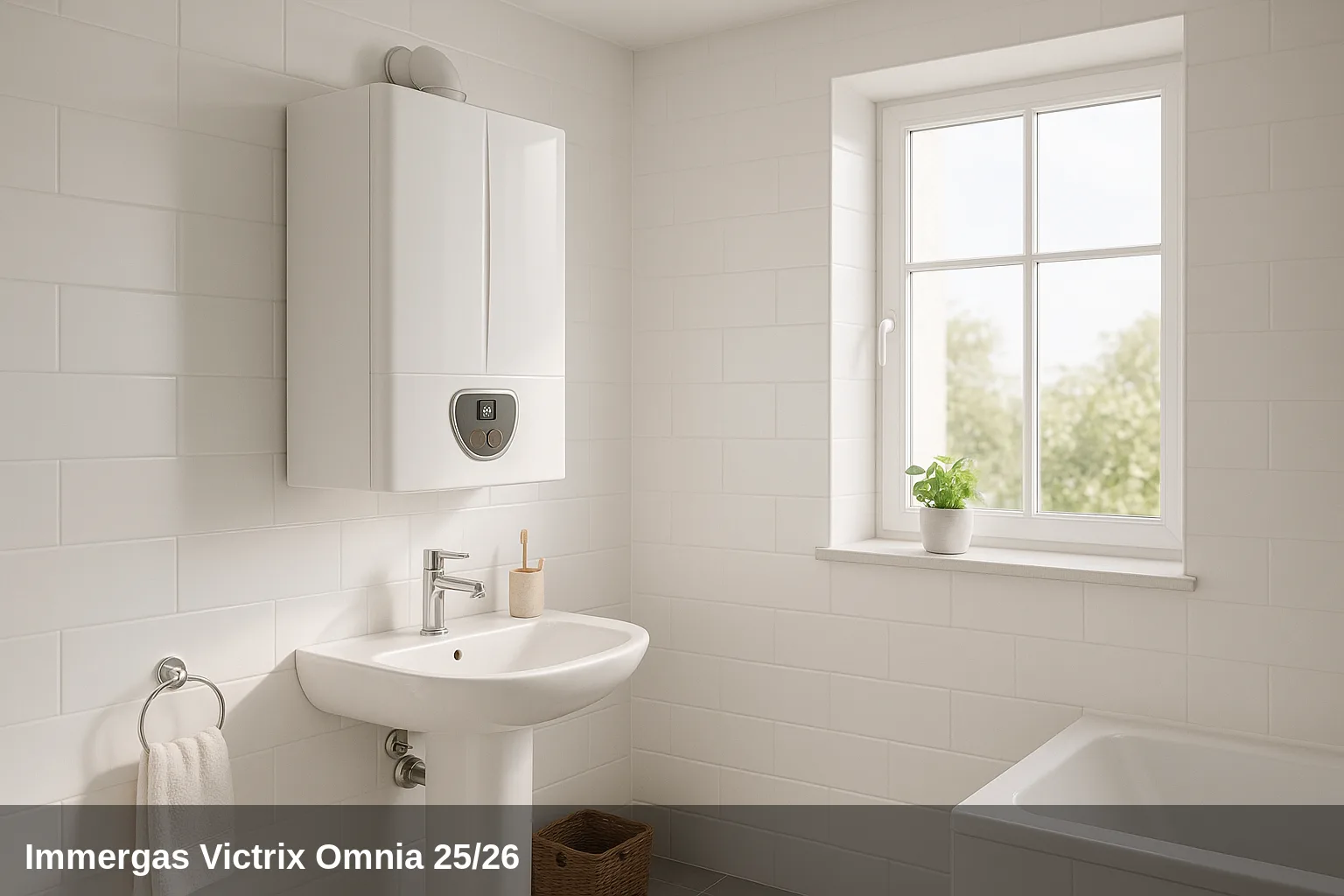
The Immergas Victrix Omnia it is a wall-mounted boiler of mixed gas condensing available in the power outputs of 25 and 26 kW, approved for natural gas and LPG, with technology Hydrogen Ready (up to 20% hydrogen). It stands out for its compact design (738 × 400 × 247 mm), low consumption in energy class A, and integrated control panel with a digital display that shows fault codes directly on the screen.
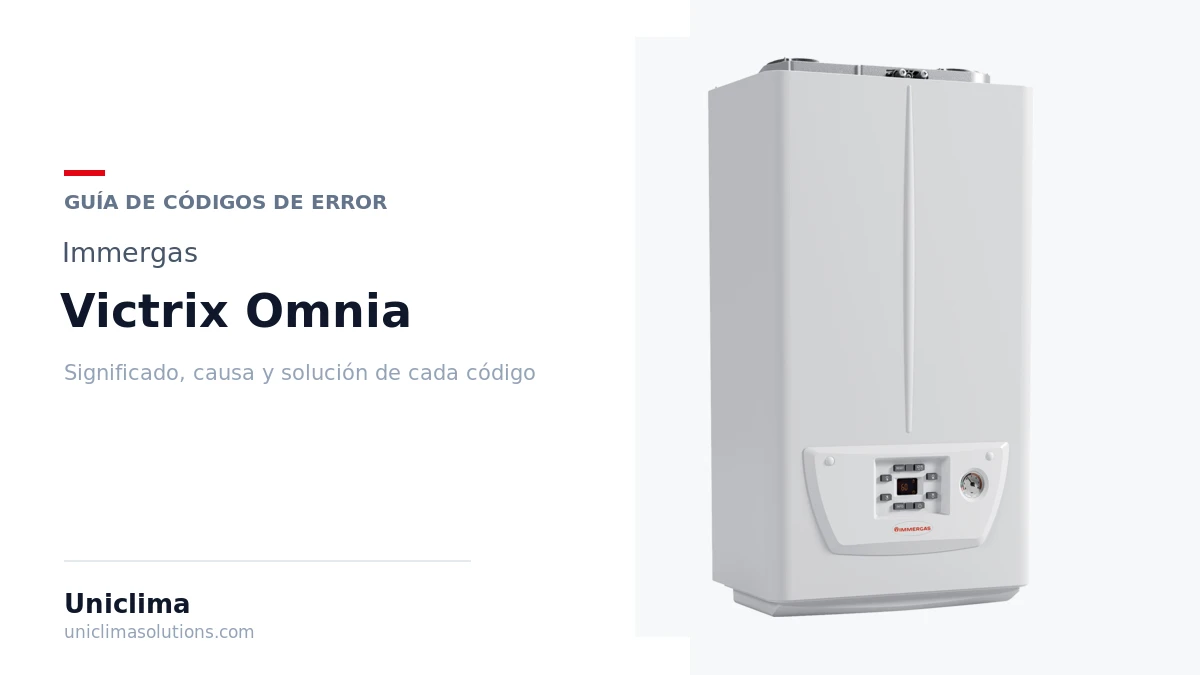
Victrix Omnia 25/26 fault code table
Quick summary of all fault codes. Below you have the details of each one with its cause and solution.
| Code | Meaning |
|---|---|
| 01 | Lockout due to ignition fault |
| 02 | Lockout due to safety thermostat |
| 03 | Lockout due to flue thermostat |
| 04 | Lockout due to contact resistance |
| 05 | Anomaly in the flow sensor |
| 06 | Anomaly in the domestic hot water sensor |
| 08 | Maximum number of resets exceeded |
| 10 | Insufficient installation pressure |
| 16 | Fan anomaly |
| 20 | Lockout due to parasitic flame |
| 23 | Return sensor anomaly |
| 27 | Insufficient circulation |
| 29 | Flue sensor anomaly |
| 31 | Loss of communication with the CAR remote control |
| 36 | IMG BUS communication drop |
| 37 | Low electrical supply voltage |
| 38 | Flame signal loss |
| 43 | Lockout due to repeated loss of flame signal |
| 44 | Lockout due to exceeded gas valve opening time |
| 45 | High Delta T between flow sensor and return sensor |
| 47 | Burner power limitation due to high flue gas temperature |
| 51 | Loss of communication with Wireless CAR |
| 59 | Lockout due to abnormal mains frequency |
| 60 | Blocked pump anomaly |
| 61 | Air in the circulator |
| 62 | Full calibration request |
| 72 | Quick calibration request |
| 77 | Combustion control anomaly (current out of range) |
| 78 | Combustion control anomaly (high current in gas valve) |
| 79 | Combustion control anomaly (low current in gas valve) |
| 84 | Combustion anomaly due to low gas pressure (power reduction) |
| 87 | Lockout due to fault in the gas valve control (component A) |
| 88 | Lockout due to fault in the gas valve control (component B) |
| 89 | Unstable combustion signal |
| 96 | Obstructed air intake ducts |
| 98 | Lockout due to maximum number of software errors |
| 99 | Generic lockout |
What can you check yourself?
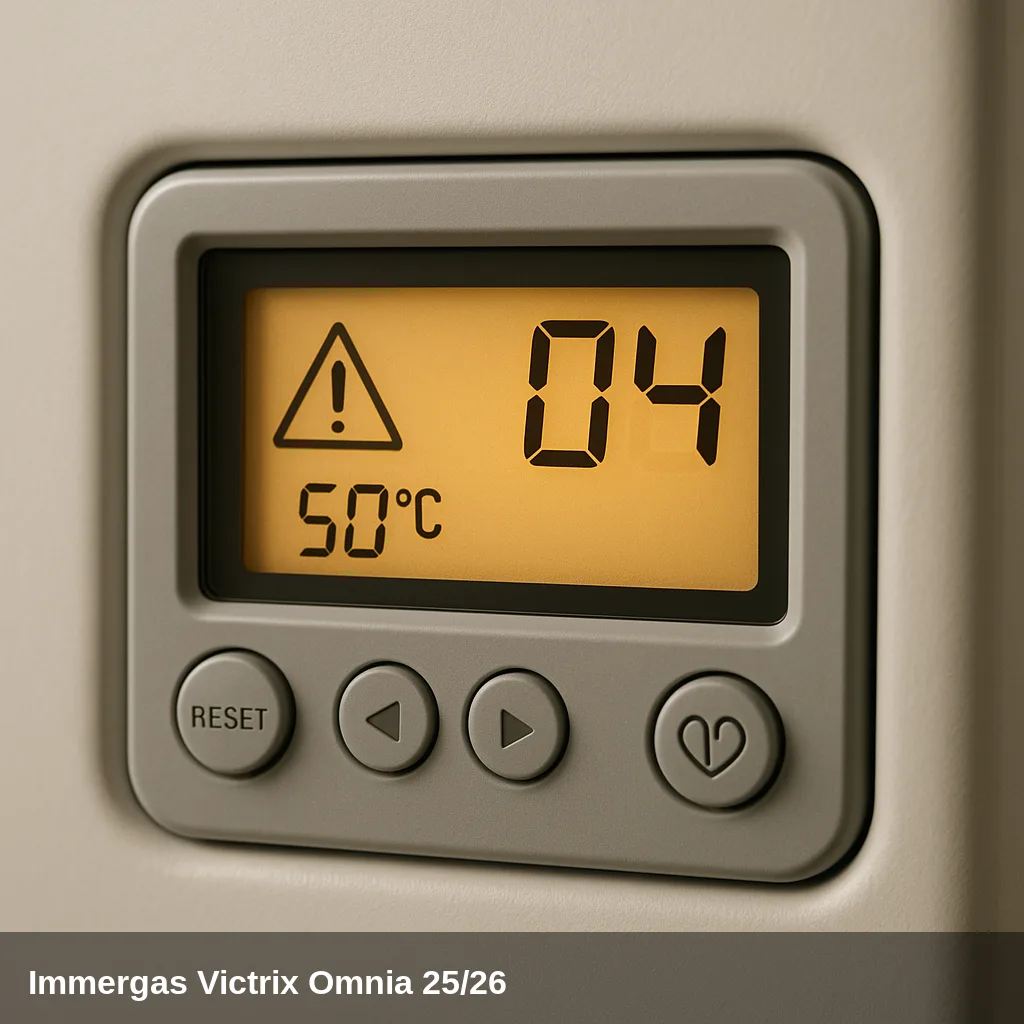
Some alerts can be resolved with simple and safe checks: replenishing the water pressure, bleeding the air from the radiators, checking that the gas valve is open, or resetting the boiler after a temporary lockout. If the code reappears after doing this, there is an underlying cause that should be reviewed by a qualified technician. Do not manipulate internal gas components nor electronics.
How to replenish the pressure step by step
- Locate the filling valve under the boiler.
- Open it slowly while observing the pressure gauge.
- Close the valve upon arrival at between 1 and 1.5 bar in cold.
- Bleed the radiators starting with the furthest one and check the pressure again.
- Reset the boiler; if the pressure warning disappears, the problem was resolved.
All fault codes and their solution
01 — Lockout due to ignition fault
Why does it appear: The burner fails to ignite within the set time. Common causes: gas valve closed, insufficient gas pressure, air in the pipes, blocked condensate drain, or deteriorated ionisation electrode.
What to do: Check that the gas valve is open and that there is supply in the network. Ensure that the condensate drain is not blocked. Press the reset button. If the lockout occurs frequently, contact a qualified technician to inspect the electrode, gas valve, and ionisation circuit.
Affected component: Ignition/Ionisation Electrode
02 — Lockout due to safety thermostat
Why does it appear: Excessive internal temperature detected by the safety thermostat. It may be due to insufficient water circulation, a blocked pump, or a fault in the flow sensor.
What to do: Wait for the boiler to cool down and press the reset button. If the lockout is recurrent, a qualified technician should check the circulation pump, system pressure, and temperature sensors.
Affected component: Temperature sensor
03 — Lockout due to flue thermostat
Why does it appear: Excessive temperature in the flue gases. Possible causes: partial or total blockage in the condensation module, blocked flue ducts, or dirt in the heat exchanger.
What to do: Press the reset button. Check that the flue pipes are not blocked or frozen. If the issue persists, a qualified technician should inspect and clean the condensation module and heat exchanger.
Affected component: Heat exchanger
04 — Lockout due to contact resistance
Why does it appear: The PCB detects an anomaly in the power supply to the gas valve (fault in connection or component).
What to do: Check the electrical connections of the gas valve. Press the reset button. If the error persists, contact a qualified technician to inspect the gas valve and the control board.
Affected component: Gas valve
05 — Anomaly in the flow sensor
Why does it appear: The PCB detects a value out of range in the NTC sensor of the heating circuit (flow). It could be a fault in the sensor or a break in the cable.
What to do: The boiler does not start. Contact a qualified technician to check and replace the flow NTC sensor if necessary.
Affected component: Temperature sensor
06 — Anomaly in the domestic hot water (DHW) sensor
Why does it appear: The PCB detects a value out of range in the NTC sensor of the domestic hot water circuit. The anti-freeze function is inhibited.
What to do: The boiler continues to operate with reduced performance in domestic hot water. There is a risk of water at elevated temperature. Contact a qualified technician to check and replace the sanitary NTC sensor.
Affected component: Temperature sensor
08 — Maximum number of resets exceeded
Why does it appear: Five consecutive resets have been performed within a one-hour period. The boiler automatically inhibits new attempts for 60 minutes.
What to do: Wait at least one hour and try to reset again. If the lockout repeats in the next cycle, there is an underlying problem that requires the intervention of a qualified technician.
10 — Insufficient installation pressure
Why does it appear: The water pressure in the heating circuit is below the minimum operational level (usually below 0.5 bar). This may be due to water loss in the system or the filling valve being closed.
What to do: Check the pressure gauge on the front of the boiler. Fill the system with water until it reaches between 1 and 1.2 bar using the filling valve. If the pressure drops repeatedly, there is a leak that must be located and repaired by a qualified technician.
Affected component: Pressure sensor / filling key
16 — Fan anomaly
Why does it appear: Mechanical or electronic fault of the fan: damaged winding, defective Hall sensor, obstruction in the impeller, or blown PCB fuse.
What to do: Press the reset button. If the fault persists, contact a qualified technician to check the electrical supply to the fan, the Hall sensor, and the mechanical condition of the motor.
Affected component: Fan / extractor
20 — Blocked due to parasitic flame
Why does it appear: The PCB detects a flame signal when the burner should be off. This may indicate a leak in the flame detection circuit or an anomaly in the combustion control.
What to do: Press the reset button for a new ignition attempt. If it repeats, close the gas and contact a qualified technician, as it may indicate a real gas leak.
Affected component: Ignition/Ionisation Electrode
23 — Anomaly in the return sensor
Why does it appear: The PCB detects a value out of range in the NTC sensor of the return circuit, which may affect the pump control.
What to do: If conditions normalize, the boiler resets automatically. Otherwise, a qualified technician must check and replace the return NTC sensor.
Affected component: Temperature sensor
27 — Insufficient circulation
Why does it appear: Low water flow in the primary circuit. Possible causes: closed shut-off valves, blocked circulation pump, air in the system, or clogged filter.
What to do: Check that all the valves in the circuit are open. Bleed the air from the system. Check if the pump is blocked (the shaft can be manually unblocked by turning the central screw of the pump). If not resolved, contact a qualified technician.
Affected component: Circulation pump
29 — Flue sensor anomaly
Why does it appear: The PCB detects a fault in the flue gas NTC sensor.
What to do: The boiler does not start. Contact a qualified technician to check and replace the flue NTC sensor.
Affected component: Temperature sensor
31 — Loss of communication with the CAR remote control
Why does it appear: Interruption of communication with the remote control for more than 1 minute. This may be due to remote control incompatibility, disconnected cable, or communication module fault.
What to do: The boiler switches to Summer mode (domestic hot water only). Disconnect and reconnect the boiler's power supply. If the error persists, check the control board wiring or contact a qualified technician.
Affected component: Electrical installation
36 — IMG BUS communication drop
Why does it appear: Communication fault between the main control unit and the zone board or external module connected to the IMG bus.
What to do: The boiler does not respond to heating requests. Contact a qualified technician to check the bus wiring and connected modules.
Affected component: PCB (control board)
37 — Low electrical supply voltage
Why does it appear: The mains voltage is below the boiler's minimum operating level.
What to do: The boiler resets automatically when the voltage normalises. If power outages are frequent, consider installing a voltage stabiliser. Consult with a qualified electrician.
Affected component: Electrical installation
38 — Loss of flame signal
Why does it appear: The flame goes out unexpectedly during operation. This may be due to low gas pressure, a dirty or deteriorated ionisation electrode, or combustion turbulence.
What to do: The boiler attempts an automatic reset. The code is recorded in the fault history. If it occurs frequently, a qualified technician should check the ionisation electrode and the gas supply.
Affected component: Ignition/Ionisation Electrode
43 — Lockout due to repeated loss of flame signal
Why does it appear: Fault 38 (flame loss) has occurred 6 times over a period of 8.5 minutes. The boiler enters safety lockout.
What to do: Press the reset button; the boiler will perform a post-ventilation cycle before restarting. If the lockout is frequent, contact a qualified technician to check the gas supply and the ionisation electrode.
Affected component: Ignition/Ionisation Electrode
44 — Lockout due to gas valve opening time exceeded
Why does it appear: The gas valve remains open longer than established without ignition being detected.
What to do: Press the reset button. If it repeats, contact a qualified technician to check the gas valve and the flame detection system.
Affected component: Gas valve
45 — High Delta T between flow sensor and return sensor
Why does it appear: Abrupt and unexpected temperature difference exceeding 40 °C between the flow and return. Generally indicates poor water circulation.
What to do: Check the water circulation in the circuit (pump, open valves, absence of air). Verify the correct operation of the flow and return sensors. If the issue persists, contact a qualified technician.
Affected component: Temperature sensor
47 — Burner power limitation due to high flue gas temperature
Why does it appear: High temperature detected in the flue gases. The boiler automatically reduces the power to protect the heat exchanger.
What to do: The boiler regains normal power when the delta T normalises. If the limitation is continuous, a qualified technician should inspect the heat exchanger and the flue ducts.
Affected component: Heat exchanger
51 — Communication drop with Wireless CAR
Why does it appear: The boiler is not receiving a signal from the wireless remote control. This could be due to depleted batteries or interference.
What to do: Check the status of the batteries in the wireless control and replace them if necessary. The boiler operates only from the front panel until communication is restored.
Affected component: Electrical installation
59 — Lockout due to abnormal mains frequency
Why does it appear: The PCB detects a mains voltage frequency outside the operational range.
What to do: The boiler does not start. Contact the electrical distributor or a qualified electrician to verify the quality of the supply.
Affected component: Electrical installation
60 — Blocked pump anomaly
Why does it appear: The pump impeller is mechanically blocked or there is an electrical fault in the pump.
What to do: Try to manually unlock the impeller by carefully turning the central screw of the pump. The boiler will automatically reset if resolved. If not, contact a qualified technician.
Affected component: Circulation pump
61 — Air in the circulator
Why does it appear: Presence of air inside the pump that prevents normal water circulation.
What to do: Bleed the air from the heating circuit and the pump. The boiler resets automatically when resolved. If it persists, contact a qualified technician.
Affected component: Circulation pump
62 — Request for full calibration
Why does it appear: The PCB does not have valid calibration, usually after replacement or alteration of parameters.
What to do: The boiler does not start. The intervention of a qualified technician is necessary to perform a complete system calibration.
Affected component: PCB (control board)
72 — Quick calibration request
Why does it appear: Changes have been detected in the parameters of the gas/air module that require recalibration.
What to do: The boiler does not start. The intervention of a qualified technician is necessary to perform the quick calibration.
Affected component: PCB (control board)
77 — Combustion control anomaly (current out of range)
Why does it appear: The PCB detects an abnormal current in the gas valve control.
What to do: The boiler does not start. Contact a qualified technician to check the gas valve and the control board.
Affected component: Gas valve
78 — Combustion control anomaly (high current in gas valve)
Why does it appear: The PCB detects high current in the gas valve.
What to do: The boiler does not start. Contact a qualified technician to check the gas valve and the control board.
Affected component: Gas valve
79 — Combustion control anomaly (low current in gas valve)
Why does it appear: The PCB detects reduced current in the gas valve.
What to do: The boiler does not start. Contact a qualified technician to check the gas valve and the control board.
Affected component: Gas valve
84 — Combustion anomaly due to low gas pressure (power reduction)
Why does it appear: The gas supply pressure is below the minimum required for normal operation.
What to do: The boiler continues to operate at reduced power and automatically resets if the pressure normalises. Check that the mains gas has sufficient pressure and that the shut-off valve is fully open. If the issue persists, contact a qualified technician or the gas distribution company.
Affected component: Gas valve
87 — Lockout due to fault in the gas valve control (component A)
Why does it appear: Fault in an internal component of the gas valve control module.
What to do: The boiler does not start. Contact a qualified technician for inspection and replacement of the gas valve if necessary.
Affected component: Gas valve
88 — Lockout due to fault in the gas valve control (component B)
Why does it appear: Fault in another internal component of the gas valve control module.
What to do: The boiler does not start. Contact a qualified technician for inspection and replacement of the gas valve if necessary.
Affected component: Gas valve
89 — Unstable combustion signal
Why does it appear: Presence of flue gas recirculation, wind in the exhaust ducts, or minor anomaly in the combustion system.
What to do: The boiler continues to operate. If the warning is frequent, a qualified technician should inspect the air exhaust and intake ducts to rule out obstructions or recirculation.
Affected component: Heat exchanger
96 — Air intake ducts obstructed
Why does it appear: Obstruction detected in the air inlet duct (ice, dirt, foreign object) or anomaly in parameter F0.
What to do: The boiler does not start and resets automatically when the obstruction disappears. Visually check the exterior of the air intake ducts. If it persists, contact a qualified technician.
Affected component: Fan / extractor
98 — Lockout due to maximum number of software errors
Why does it appear: The PCB has reached the limit of internal software errors.
What to do: Press the reset button. If it occurs frequently, contact a qualified technician to check or replace the PCB.
Affected component: PCB (control board)
99 — Generic lockout
Why does it appear: General anomaly in the boiler not classified under other specific codes.
What to do: Press the reset button. If it repeats, contact a qualified technician for diagnosis.
When to call a technician
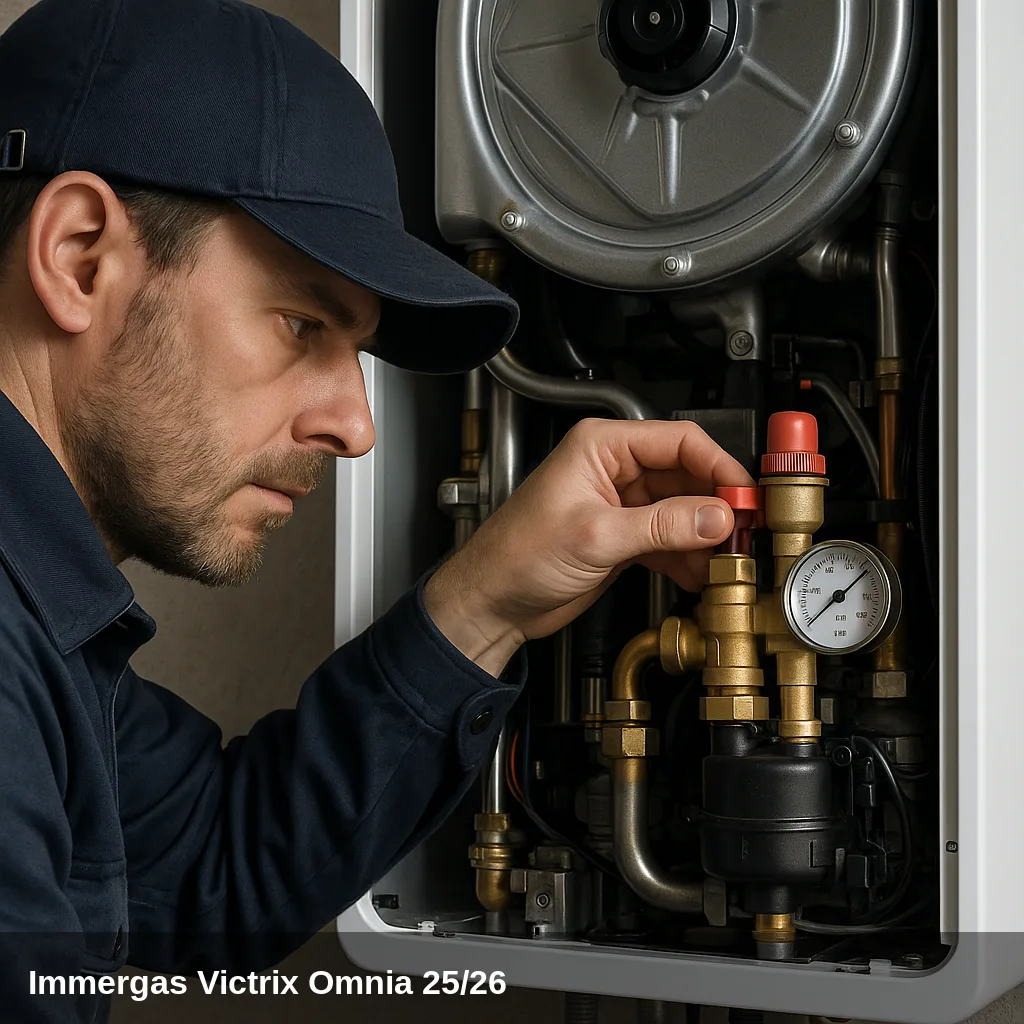
Fault codes related to sensors, electronics, gas valve, fan, or flue gas evacuation require a qualified technician with the appropriate equipment. If the same fault code reappears after a reset, or if the pressure drops repeatedly, a professional inspection is advisable. In Uniclima do you find spare parts for this boiler.
Frequently asked questions
Turn or press the main selector to the RESET position for a few seconds until the code disappears. The boiler may attempt to reset up to 5 times in an hour; if it exceeds this limit, it will display code 08 and block new attempts for 60 minutes. If the lockout repeats after resetting, there is a fault that requires inspection by a qualified technician.
The correct working pressure is between 1 and 1.2 bar, visible on the pressure gauge on the front panel. To refill, locate the filling valve at the bottom of the boiler, open it slowly until the indicated pressure is reached, and then close it. If the pressure frequently drops, there may be a leak in the system that should be checked by a qualified technician.
Safely, you can check: that the gas shut-off valve is fully open, that the pressure gauge reads between 1 and 1.2 bar, that the external air exhaust and intake ducts are not obstructed (ice, dirt, insect nests), that the remote control has batteries in good condition, and that the condensate drain is not blocked. Any intervention inside the boiler (gas valve, PCB, burner, sensors) must be carried out exclusively by a qualified technician.
These codes indicate flame loss during operation. The most common causes are: low or intermittent gas pressure in the network, a dirty or deteriorated ionisation electrode, or instability in combustion due to flue gas recirculation. Press RESET for the boiler to attempt to restart. If the problem is recurrent, a qualified technician should check the ionisation electrode, gas pressure, and flue ducts.