


Short answer
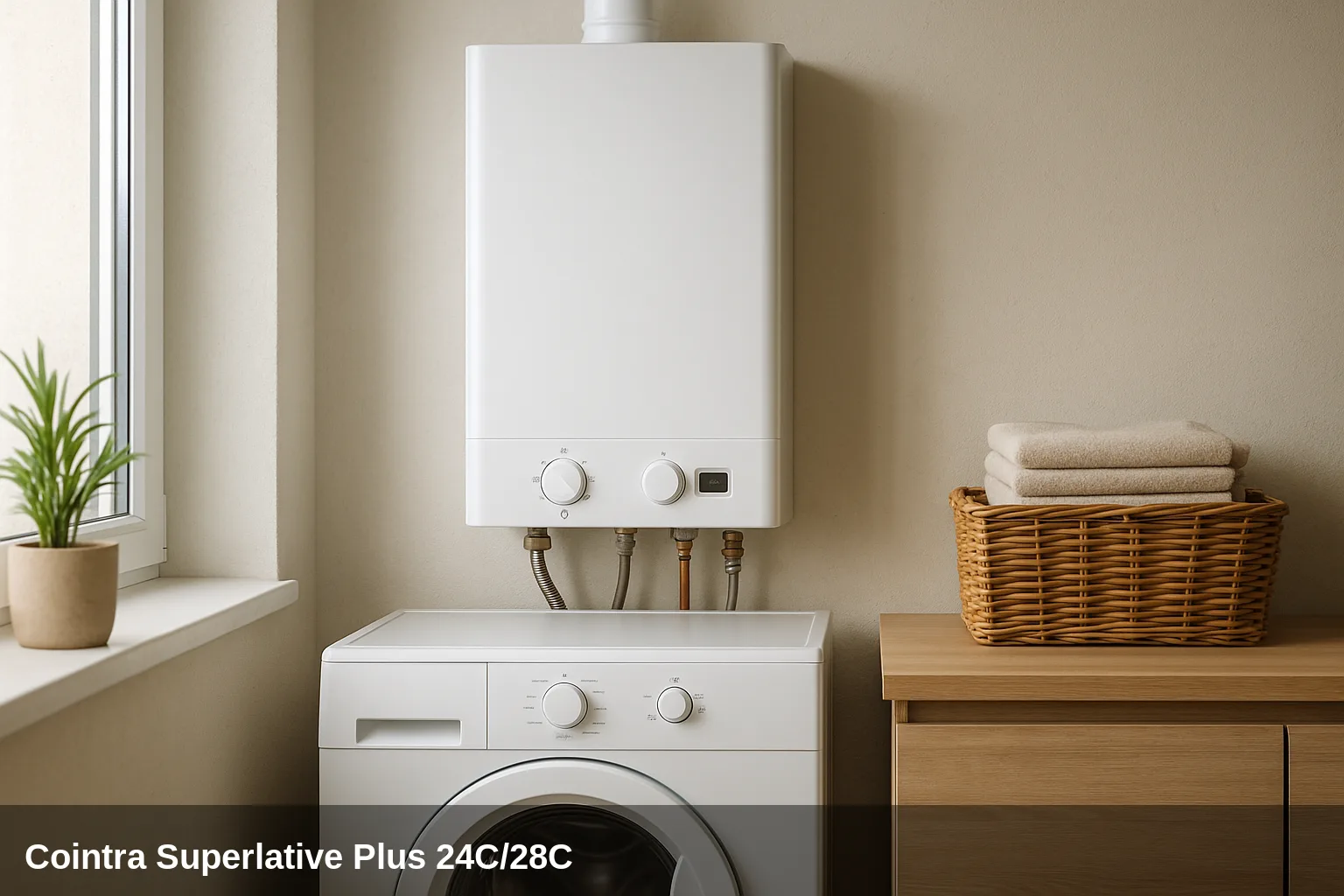
This guide uses the manuals of Cointra Superlative Plus 24 C (3541C680) and 28 °C (3541C940), both Rev. 00 from December 2017. Confirm the variant and the edition applicable to your device. The table is not derived from that of a Ferroli: it has been cross-checked with section 3.4 of these two documents.
Fault code table for the Superlative Plus 24C/28C
The table summarizes the alerts from the indicated editions. The meanings and possible causes are not an order to replace parts. You can consult the Cointra 24 C manual, 3541C680, preserved in a documentary file and the Cointra 28 C manual, 3541C940, published by the manufacturer, pages 41–43.
| Code | Meaning |
|---|---|
| A01 | No ignition of the burner |
| A02 | Flame signal detected with the burner off |
| F14 | Excessive flue gas temperature |
| F66 | Firmware loading not completed correctly |
| A05 | Fan fault |
| A06 | No flame at the end of the ignition phase |
| A07 | Excessive flue gas temperature |
| A08 / F08 | Overtemperature protection (flow sensor) |
| A09 / F09 | Overtemperature protection (return sensor) |
| A10 / F10 | Fault in the flow temperature sensor |
| A11 / F11 | Fault in the return temperature sensor |
| F12 | Fault in the domestic hot water (DHW) sensor |
| A13 / F13 | Fault in the flue gas sensor |
| A14 | Flue gas evacuation safety (repeated high temperature) |
| F07 | High flue gas temperature (transient warning) |
| F15 | Anomaly in the parameters of the control board |
| F20 / F21 | Anomaly in a parameter of the control board |
| A23 / A24 / A26 / F40 / F47 / F50 / F51 / F53 | Anomaly in a parameter of the control board |
| F34 | Mains voltage below minimum (less than 170 V) |
| F67 / F68 / A68 | BCC Service key fault |
| F37 | Incorrect water circuit pressure (low) |
| F39 | Fault in the external sensor (optional accessory) |
| F41 | Maximum temperature differential protection (excessive delta T) |
| A42 / F42 | Sensor control protection |
| F43 | Heat exchanger protection |
| A54 / A55 / A61 / F61 / A63 | Fault in the AGC01 control unit |
| A56 / F56 | Calibration error (combustion system) |
| A62 | No communication with the gas valve |
| A64 | Maximum number of consecutive resets exceeded |
What can you check yourself?
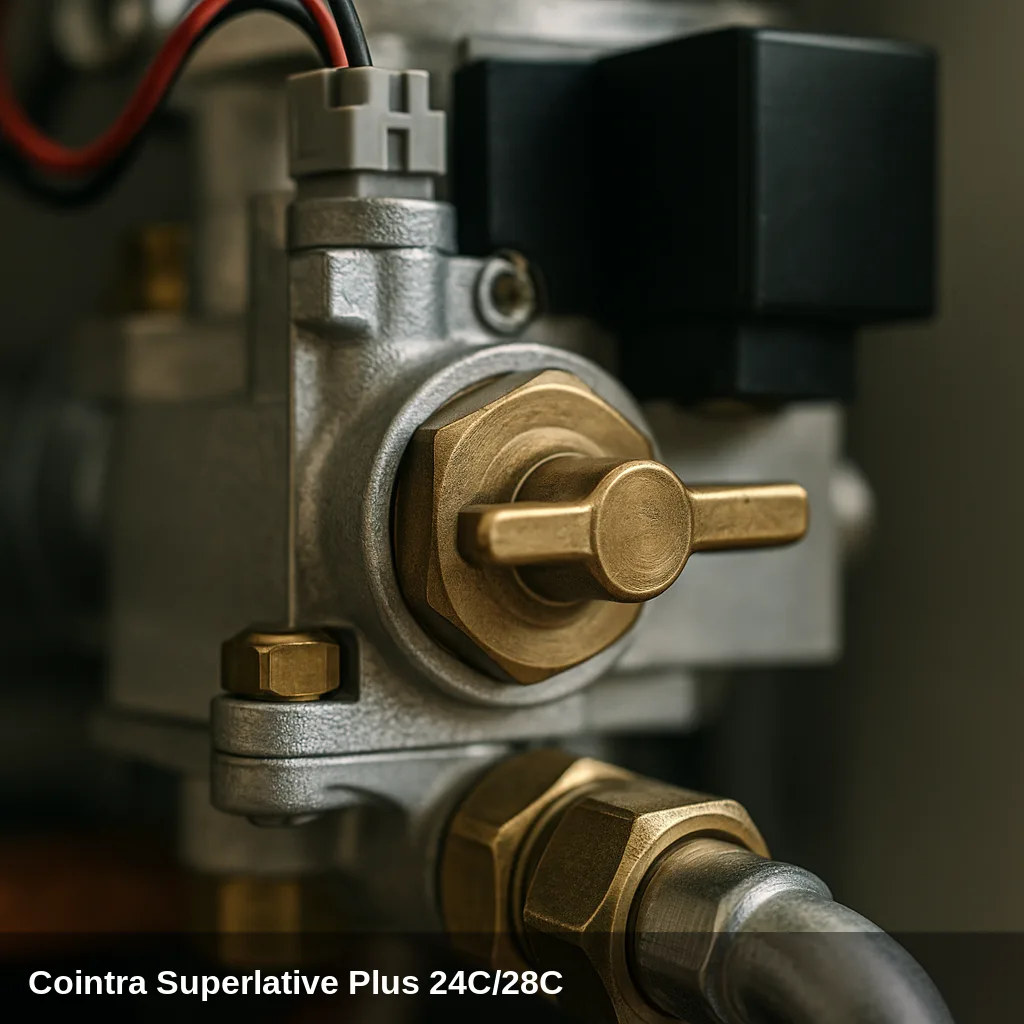
The user can observe the screen and the pressure, and follow the operations explicitly described in the manual. The inspection of electrodes, wiring, fan, combustion, and gas is the responsibility of the technician. If a warning repeats, communicate the fault code and the conditions under which it appears.
How to replenish the pressure step by step
- Identify the filling key in figure 16 of the manual that corresponds to your variant.
- Open it slowly while observing the pressure gauge.
- For these edits, the load reference with the cold installation is approximately 1 barClose the valve when finished.
- When recovering pressure, the equipment performs an automatic bleeding cycle indicated by Fh. Do not confuse this indication with a new fault code.
- Check that the pressure is maintained. If it drops again or F37 reappears, request a diagnosis; the warning disappearing does not prove that the cause has been repaired.
All fault codes and their solution
A01 — Burner ignition failure
Why does it appear: Gas supply shortage, insufficient gas pressure, dirty or damaged ignition electrode, faulty gas valve.
What to do: The technician checks the supply, ignition, and flame detection according to the manual; do not remove the casing to handle the electrode.
Element that may intervene: Gas valve
A02 — Flame signal detected with the burner off
Why does it appear: Fault in the ionization electrode or failure in the control board.
What to do: The check of the electrode, wiring, and PCB is the technician's responsibility; note if the warning appears when starting up or with the burner stopped.
Element that may intervene: Ignition/Ionisation Electrode
F14 — Excessive flue gas temperature
What does it indicate? The manual groups F14 with F07 and A07.
What to do: If it persists, request a review of the cause before continuing with the reset.
Technical check: Heat exchanger and flue gas sensor, according to the diagnosis.
F66 — Firmware loading not completed correctly
What does it indicate? The warning corresponds to the firmware loading of the board.
What to do: Do not attempt to load software or change parameters; it requires technical assistance.
Technical check: Status of the load and the board.
A05 — Fan fault
What does it indicate? The manual addresses issues related to power supply, rotation signal, or the fan itself.
What to do: The inspection of the wiring and the fan should be carried out by qualified personnel.
Technical check: Fan and its connections; the warning does not confirm its replacement by itself.
A06 — No flame at the end of the ignition phase
Why does it appear: Low gas pressure, blocked flue ducts or condensate trap, unstable flame.
What to do: Request the technician to check the combustion, ducts, and siphon; do not disassemble them to try to clear the warning.
Element that may intervene: Ignition/Ionisation Electrode
A07 — Excessive flue gas temperature
Why does it appear: The flue gas sensor detects a temperature higher than allowed.
What to do: The inspection of the flue gas system must be carried out by an authorised technician.
Element that may intervene: Heat exchanger
A08 / F08 — Overtemperature protection (flow sensor)
Why does it appear: Defective sensor, lack of circulation, or air in the circuit.
What to do: The technician must check the sensor and circulation, including the possible presence of air.
Element that may intervene: Temperature sensor
A09 / F09 — Overtemperature protection (return sensor)
Why does it appear: Fault in the return sensor, lack of circulation or air in the circuit.
What to do: Request a review of the circulation and the return sensor according to the manufacturer's procedure.
Element that may intervene: Temperature sensor
A10 / F10 — Fault in the flow temperature sensor
Why does it appear: Defective sensor, short circuit or interrupted connection.
What to do: The wiring inspection and, if necessary, the replacement of the sensor is carried out by an authorised technician.
Element that may intervene: Temperature sensor
A11 / F11 — Fault in the return temperature sensor
Why does it appear: Defective sensor, short circuit or interrupted connection.
What to do: The wiring inspection and, if necessary, the replacement of the sensor is carried out by an authorised technician.
Element that may intervene: Temperature sensor
F12 — Fault in the domestic hot water (DHW) sensor
Why does it appear: Defective sensor, short circuit or interrupted connection.
What to do: The inspection and replacement of the sensor is carried out by an authorised technician.
Element that may intervene: Temperature sensor
A13 / F13 — Fault in the flue gas sensor
Why does it appear: Defective sensor or wiring anomaly.
What to do: The inspection and replacement of the flue gas sensor is carried out by an authorised technician.
Element that may intervene: Temperature sensor
A14 — Flue gas evacuation safety (repeated high temperature)
Why does it appear: Flue gas temperature elevated several times (see F07).
What to do: Resolve the cause of F07. Requires authorised technician.
Element that may intervene: Heat exchanger
F07 — High flue gas temperature (transient warning)
Why does it appear: The flue gas sensor detects an excessive temperature in the exhaust.
What to do: The inspection of the flue (blockage or deterioration) is carried out by an authorised technician.
Element that may intervene: Heat exchanger
F15 — Anomaly of the parameters of the PCB
What does it indicate? F15 is grouped with other configuration warnings of the PCB.
What to do: Request a review of the configuration. Do not use it to choose a spare fan.
Technical check: Equipment parameters, without automatically deducing a faulty PCB.
F20 / F21 — Anomaly in a parameter of the control board
Why does it appear: Incorrect configuration of the PCB.
What to do: The reconfiguration of the parameters is done by an authorized technician.
Browse catalogue: Catalogue: circuit boards · Cointra
A23 / A24 / A26 / F40 / F47 / F50 / F51 / F53 — Anomaly in a parameter of the control board
Why does it appear: Incorrect configuration on the PCB.
What to do: The reconfiguration of parameters or the replacement of the PCB is done by an authorised technician.
Browse catalogue: Catalogue: circuit boards · Cointra
F34 — Mains voltage below minimum (less than 170 V)
Why does it appear: Problems in the electrical installation or use of defective extension cords.
What to do: Notify a professional to check the power supply; do not measure voltage on internal components.
Element that may intervene: Electrical installation
F67 / F68 / A68 — Device error BCC Service key
What does it indicate? The notice relates to the service device and the loading of its file.
What to do: It must be checked by the technician performing the intervention; it is not an indication to manipulate the electrical network.
Technical check: Service device and procedure.
F37 — Incorrect water circuit pressure (low)
Why does it appear: the manual covers low pressure or a disconnected or faulty pressure switch.
What to do: compare the reading with the reference of approximately 1 bar when cold for these editions. If necessary, refill water, follow the manual; if the warning persists or repeats, the technician must check the cause.
F39 — Fault in the external sensor (optional accessory)
Why does it appear: External sensor damaged, anomalous wiring, or sensor disconnected after activation.
What to do: The external sensor, its connections, and the configuration must be checked by a technician.
Element that may intervene: Temperature sensor
F41 — Maximum temperature differential protection (excessive delta T)
Why does it appear: Fault in a sensor, lack of circulation, or air in the circuit.
What to do: The technician checks sensors and circulation; the temperature differential does not identify a part by itself.
Element that may intervene: Circulation pump
A42 / F42 — Protection by sensor control
Why does it appear: Fault or disconnection of the heating or return sensor.
What to do: The inspection and repair of the sensors is carried out by an authorised technician.
Element that may intervene: Temperature sensor
F43 — Heat exchanger protection
Why does it appear: Absence of water or air circulation in the circuit.
What to do: Request a review of the circulation and the possible presence of air by qualified personnel.
Element that may intervene: Circulation pump
A54 / A55 / A61 / F61 / A63 — Error in the AGC01 control unit
Why does it appear: Internal fault in the control unit.
What to do: The inspection or replacement of the control unit is carried out by an authorised technician.
Browse catalogue: Catalogue: circuit boards · Cointra
A56 / F56 — Calibration error (combustion system)
Why does it appear: Incorrect calibration or ionisation electrode improperly positioned or damaged.
What to do: The recalibration of the system or the repositioning of the electrode is done by an authorised technician.
Element that may intervene: Ignition/Ionisation Electrode
A62 — No communication with the gas valve
Why does it appear: Control unit disconnected or defective gas valve.
What to do: The inspection of the connection between the control unit and the gas valve is carried out by an authorised technician.
Element that may intervene: Gas valve
A64 — Maximum number of consecutive resets exceeded
Why does it appear: The boiler has performed too many resets in a row without resolving the cause.
What to do: The manual describes the unlocking procedure, but A64 indicates that resets have accumulated. If the cause persists, request diagnosis and avoid chaining new attempts.
When to call a technician
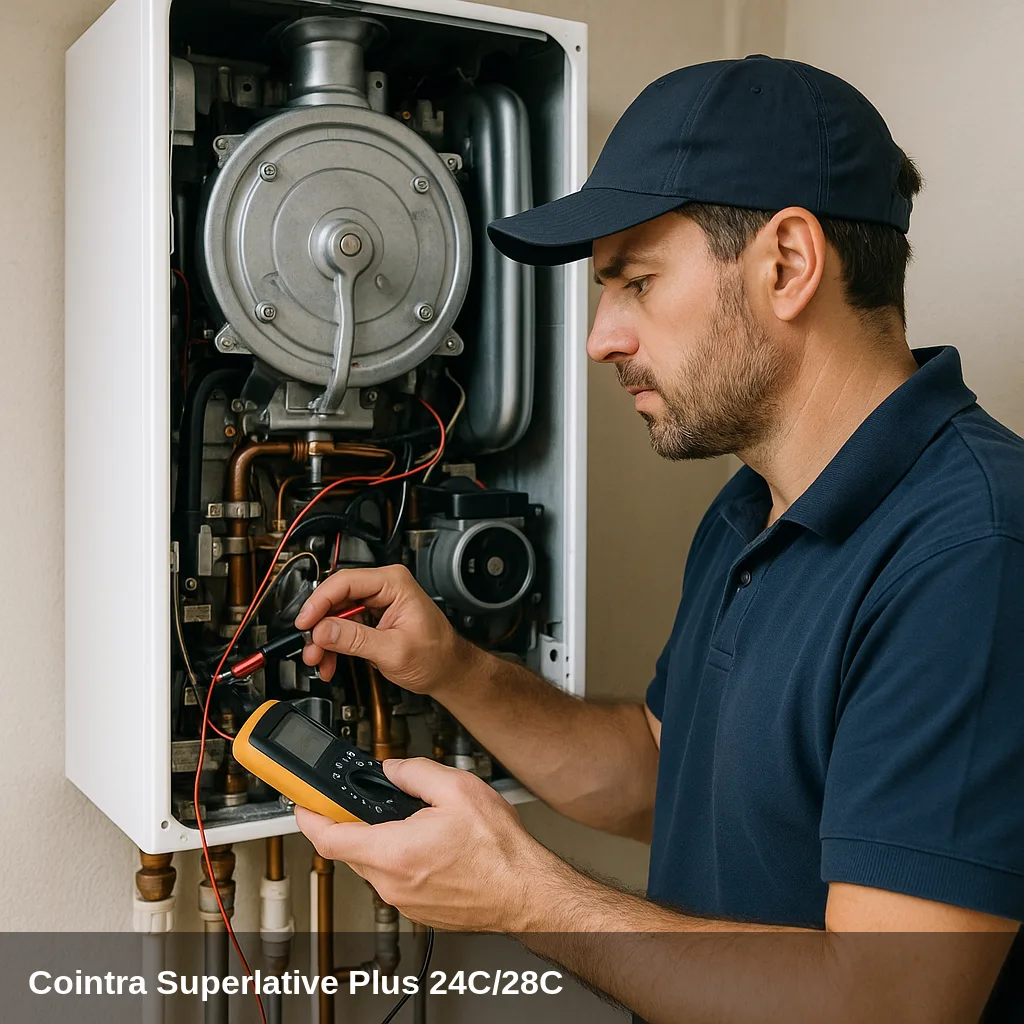
Sensor, electronics, gas, fan, or exhaust warnings require professional checks. If the blockage recurs, note the model and the code to request. review of your Cointra boilerThe reference of a spare part is confirmed after the diagnosis and identifying the version of the appliance.
Frequently asked questions
Check the reset procedure in your manual. Alerts A require intervention for the reset, while F may disappear once the condition normalizes. If the blockage repeats or A64 appears, do not continue chaining attempts: it is necessary to diagnose the cause.
The manuals 3541C680 and 3541C940 indicate approximately 1 bar with the installation cold. F37 may also be due to the pressure switch; refilling does not resolve any cause of that warning.
You should not transfer it just because some codes look similar. Use the manual for the Cointra variant: in the editions mentioned here, F15 corresponds to card parameters and A05 to the fan.
The table has been compared with editions 3541C680 for 24 C and 3541C940 for 28 C, both from December 2017. This does not certify that any later version has the same electronics or accepts the same spare parts.